 LaunchMon
LAUNCHD FIELD NOTES
Why isn’t StartCalendarInterval running my script?
Check the calendar dictionary, loaded state, executable permissions, and logs. launchd jobs do not inherit your interactive shell environment.
Start in Terminal
These examples use a placeholder label. Substitute the exact Label from your own plist, not its filename.
plutil -p "$HOME/Library/LaunchAgents/local.backup.plist"
launchctl print "gui/$(id -u)/local.backup"
What to check next
Use integer Hour and Minute fields and absolute executable paths. Set WorkingDirectory when the script needs it. ProgramArguments is an argument array: shell operators such as redirection are not interpreted unless you explicitly invoke a shell. Check the job’s logs after a manual kickstart.
Why it happens
A calendar entry defines a trigger, not a complete shell session. Missing environment variables and working-directory assumptions often explain why a command works in Terminal but fails under launchd.
User agents usually run in gui/<your uid>; system daemons run in system. The same label in different domains refers to different service registrations.
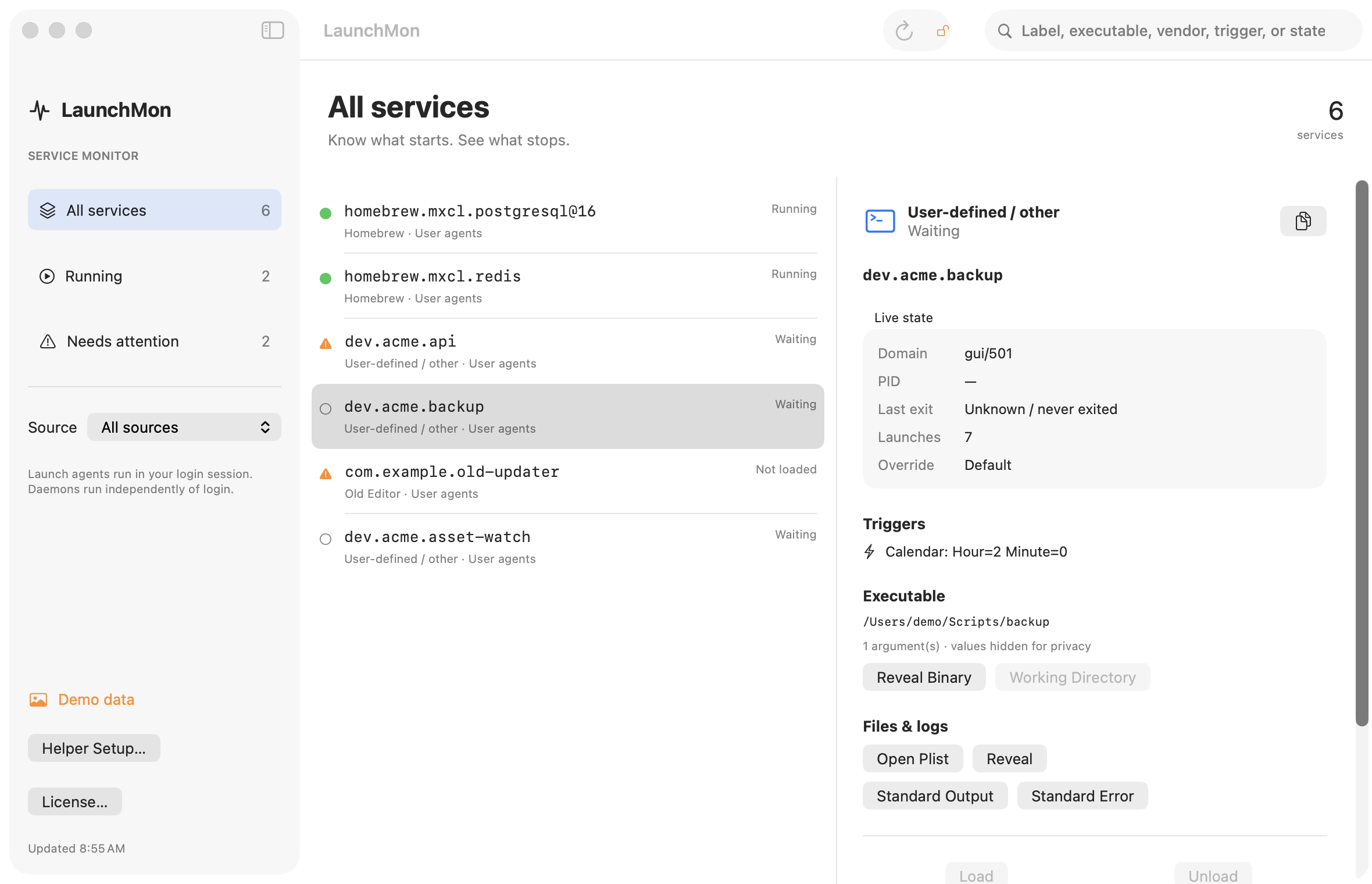
See it in LaunchMon
LaunchMon brings the plist, triggers, runtime state, and configured log paths together.
Related guides
References: Apple: creating launchd jobs. For commands on your macOS version, run man launchctl and man launchd.plist.