 LaunchMon
LAUNCHD FIELD NOTES
Why does my launchd job keep restarting?
Inspect KeepAlive and the last exit code, then unload the job if you need it to stay stopped while debugging.
Start in Terminal
These examples use a placeholder label. Substitute the exact Label from your own plist, not its filename.
launchctl print "gui/$(id -u)/local.example"
plutil -p "$HOME/Library/LaunchAgents/local.example.plist"
What to check next
Inspect KeepAlive, RunAtLoad, and the configured logs. For a job you own, use launchctl bootout "gui/$(id -u)/local.example" to unload it while you fix the cause. Restore it with launchctl bootstrap "gui/$(id -u)" "$HOME/Library/LaunchAgents/local.example.plist".
Why it happens
Killing a process leaves its launchd registration in place. KeepAlive or a new trigger can start it again. Repeated exits are evidence to investigate, not proof that every restart is a crash.
User agents usually run in gui/<your uid>; system daemons run in system. The same label in different domains refers to different service registrations.
See it in LaunchMon
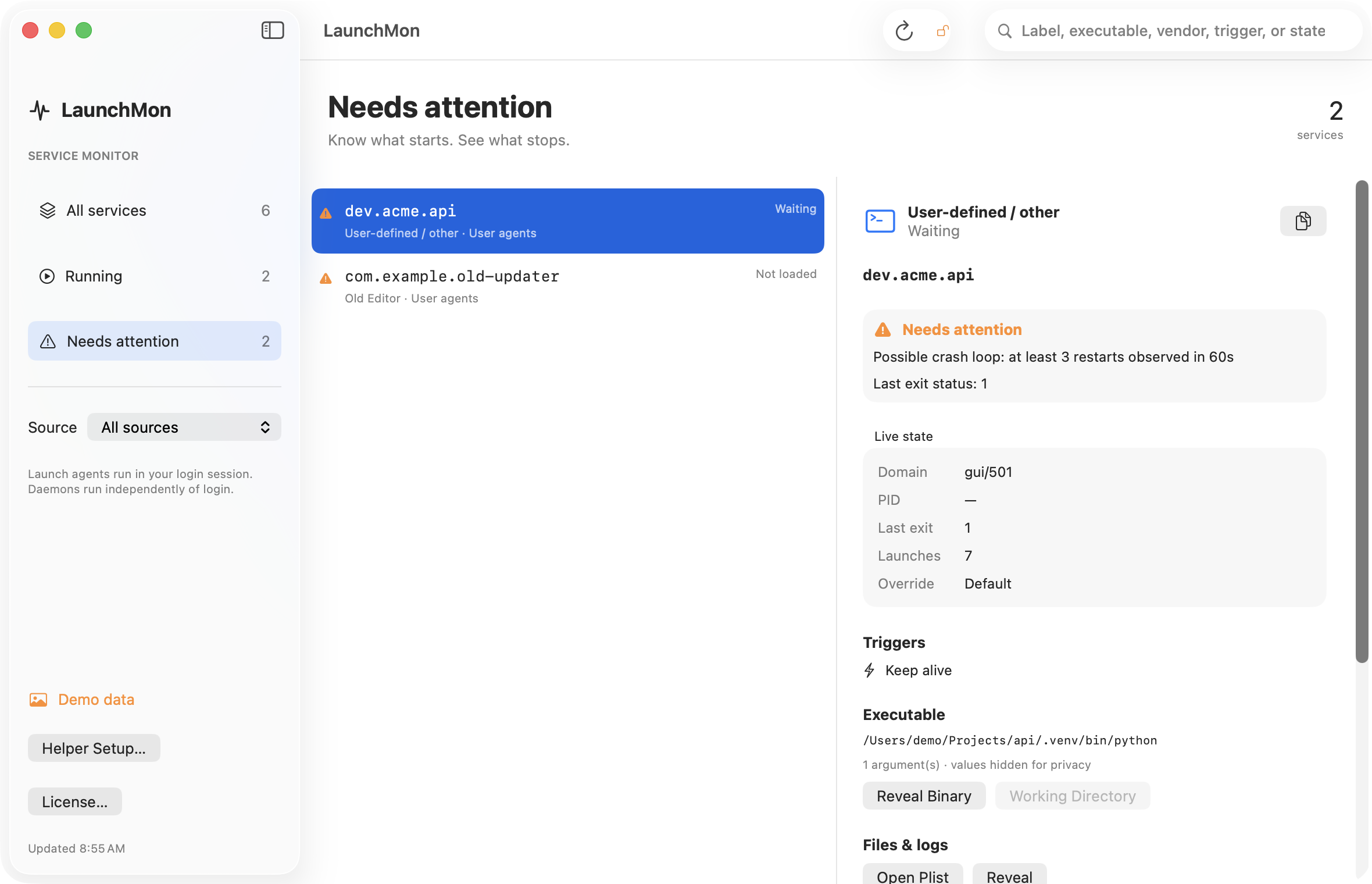
LaunchMon brings the plist, triggers, runtime state, and configured log paths together.
Related guides
References: Apple: creating launchd jobs. For commands on your macOS version, run man launchctl and man launchd.plist.